Lantern Grid on Mobile: Memory Tips for Small Screens
How to play Lantern Grid on a phone without losing the pattern: anchors, grip, pacing, and mistake recovery.
Lantern Grid is playable on desktop and mobile, but the memory task changes on a small screen. A phone makes the board more immediate and touch-friendly, while also making it easier to cover part of the grid with your hand. The best mobile players adjust their grip, pace, and naming system.
This guide focuses on practical phone play. The goal is not to memorize more cells by force. The goal is to reduce preventable mistakes.
Hold the phone below the board
If your thumb blocks the lower cells, the pattern becomes harder before the game even starts. Hold the phone slightly lower than feels natural and keep your active thumb away from the center until it is time to respond.
For longer sessions, try using one hand to hold and the other to tap. Two-hand play can feel slower at first, but it gives a clearer view of the whole grid. Visibility matters more than speed during pattern reading.
Use corner anchors
On mobile, grid coordinates blur together. Corner anchors make the board easier to describe. Before each run, silently name the four corners: top-left, top-right, bottom-left, bottom-right.
When a cell lights near a corner, describe it relative to that anchor. “Below top-right” is easier than “second row, fourth column.” The phrase is shorter, and short phrases survive better in working memory.
Turn patterns into shapes
A three-cell pattern can be a line, triangle, step, hook, or diagonal. A four-cell pattern can become a box, zigzag, or sweep. Shape names are useful because they compress several taps into one idea.
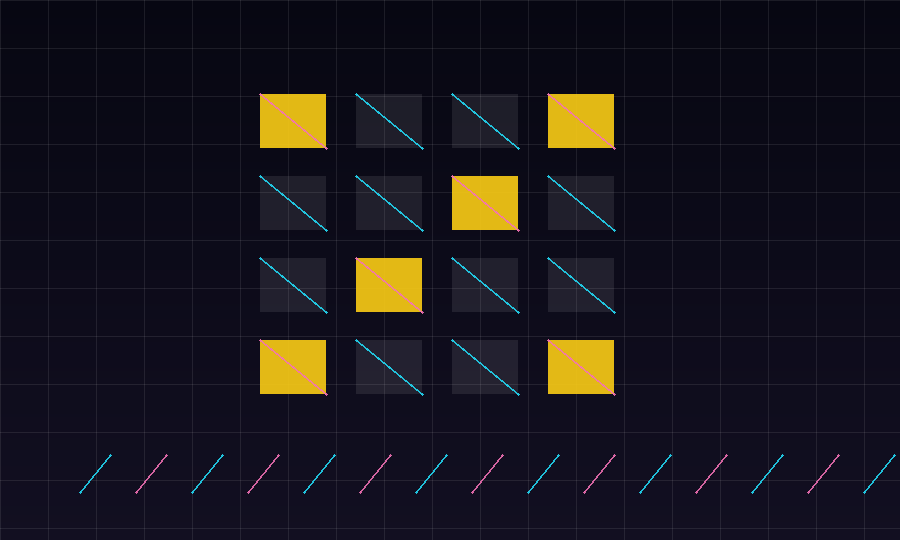
For example, if the pattern lights top-left, center-left, and bottom-left, call it “left rail.” If it lights top-right, center, bottom-left, call it “falling diagonal.” The exact names do not matter. What matters is using the same names consistently.
Wait before tapping
The most common mobile mistake is tapping during the sequence instead of after it. A phone screen invites quick reaction, but Lantern Grid is not asking for reflex speed first. It is asking for accurate replay.
Let the whole sequence finish, take a tiny pause, then tap. That pause gives the pattern time to settle as one shape. It also prevents accidental double taps.
Manage tap accuracy
Small screens make edge taps risky. Aim for the center of each cell, not the nearest edge. If your thumb lands between two cells, slow down and reset your hand position before the next tap.
Players often blame memory when the real issue is touch accuracy. A good test is to replay an easy two-cell sequence slowly. If you still miss, adjust grip and tap position before trying longer patterns.
Recover after one wrong tap
A wrong tap can break focus, but it does not need to ruin the session. After a miss, look back at the full board instead of staring at the cell you missed. Rebuild the anchor points and start naming shapes again.
The recovery phrase can be simple: “corners, shape, wait.” Repeat it before the next pattern. This gives your attention a job and keeps frustration from taking over.
A mobile practice routine
Use this five-minute routine:
- Play one minute with only accuracy in mind.
- Play one minute naming shapes aloud or silently.
- Play one minute using only corner-relative descriptions.
- Play one minute focusing on center taps.
- Play one final minute normally.
This routine separates memory, language, and touch control. When you combine them again, the game feels cleaner.
Lantern Grid is intentionally small, but small does not mean shallow. On mobile, the best improvement comes from making the board easier to see, easier to name, and easier to tap. The pattern is only hard when it stays abstract.